Required Documents for Registration
- Child’s Birth Certificate
- Child’s Social Security Card – if not applicable, State-Assigned Number will be assigned
- Child’s Current Immunization Record
- Most Recent Report Card (K-12) / Transcript (9-12)
- Court Order or Custody Documents (if applicable)
- 504 Plans and/or Individual Education Plan (IEP) Documents (if applicable)
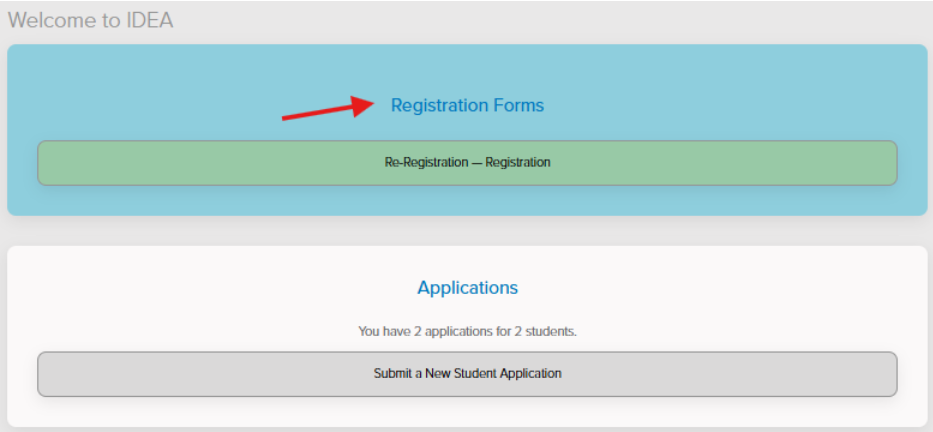
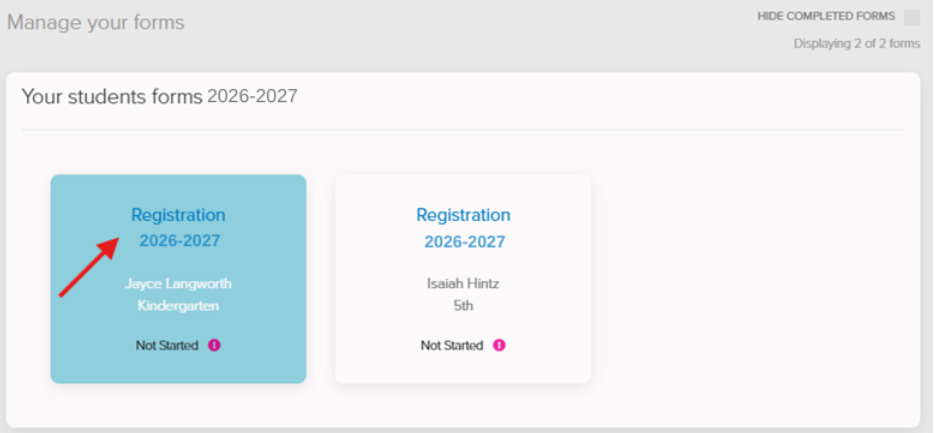
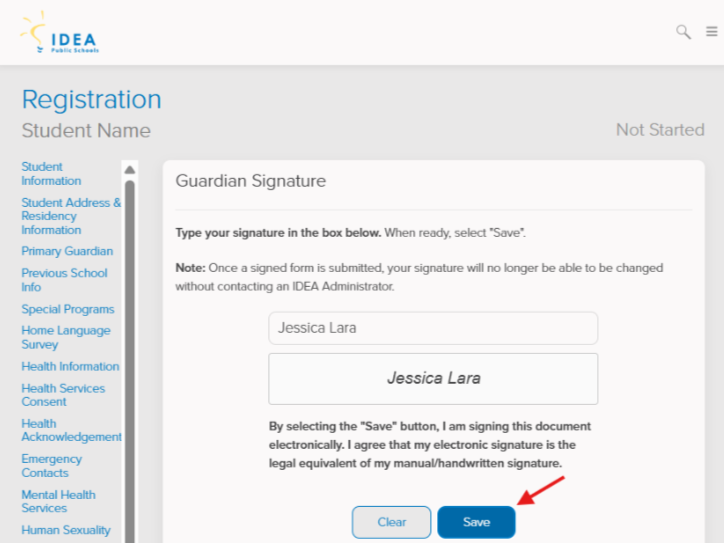
We’re excited to begin registration for IDEA Florida schools starting in late March. More details, including important steps and deadlines, will be shared soon. We look forward to partnering with you for the upcoming school year.
Required Documents for Registration
- Child’s Birth Certificate
- Child’s Current Immunization Record
- Most Recent Report Card and/or Transcript
- Child’s Proof of Physical Examination (no more than 12 months prior to the start of school)
- Proof of Residence (2) – mortgage/lease, TECO electric bill, utility bill, etc.
- Court Order or Custody Documents (if applicable)
- 504 Plans and/or Individual Education Plan (IEP) Documents (if applicable)
Required Documents for Registration
- Child’s Birth Certificate
- Child’s Social Security Card – if not applicable, State-Assigned Number will be assigned
- Child’s Current Immunization Record
- Most Recent Report Card (K-12) / Transcript (9-12)
- Proof of Residence (1) – mortgage/lease, bank statement, paystub, utility bill, etc.
- Court Order or Custody Documents (if applicable)
- 504 Plans and/or Individual Education Plan (IEP) Documents (if applicable)